Interactive Kinetic Installation
Kinetic Drawing
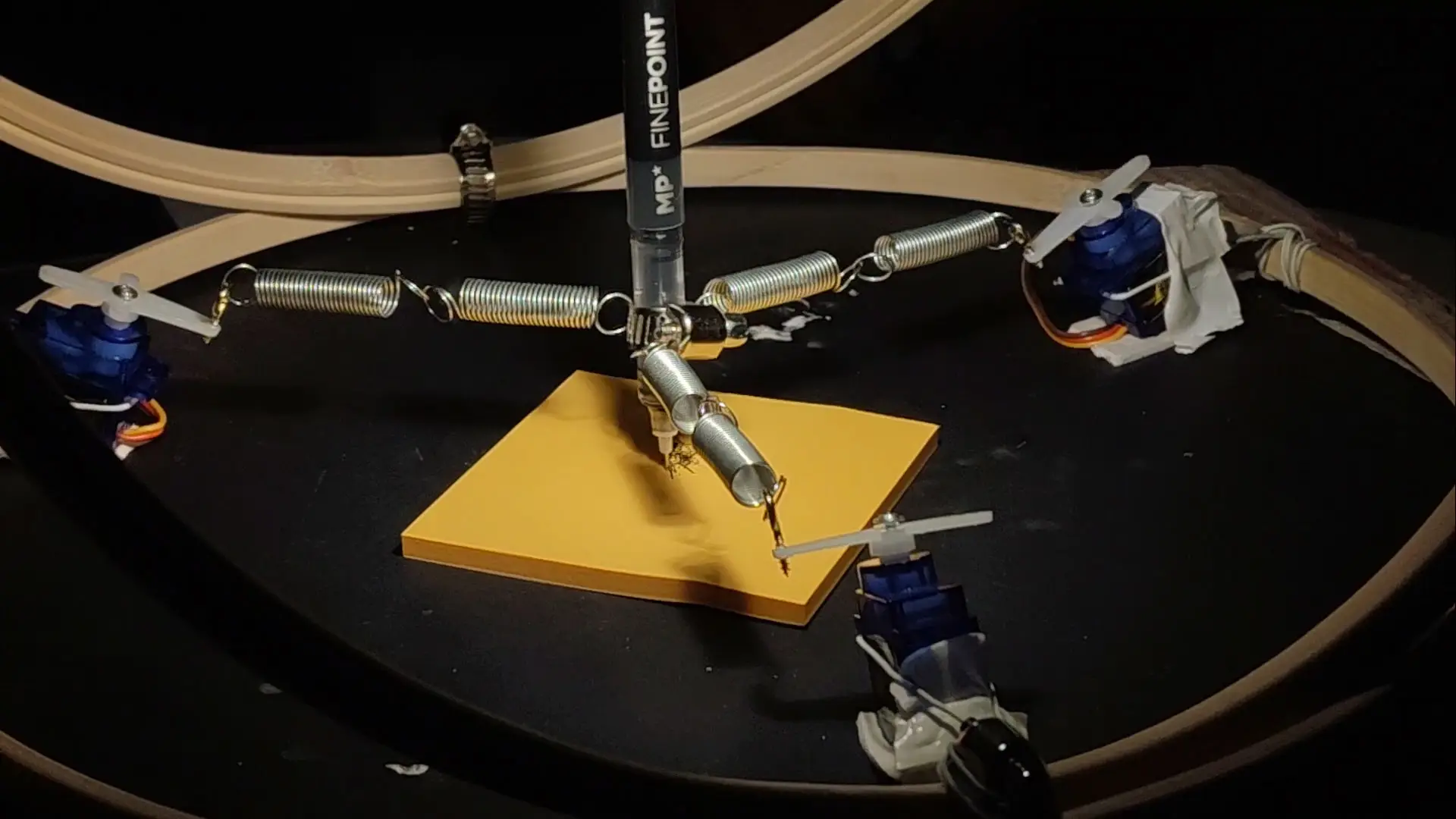
Three servos, a suspended pen, sticky notes: digital input becomes physical mark-making through a pendulum you steer from a phone.
From interface to ink
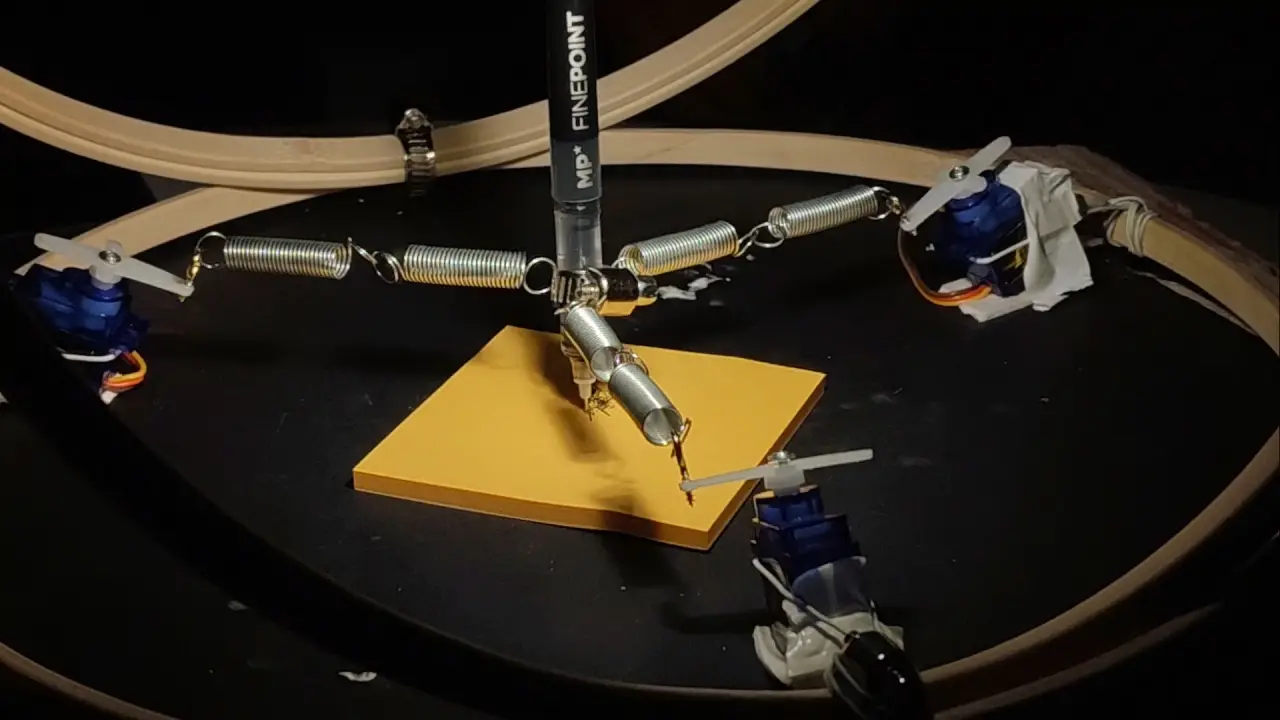
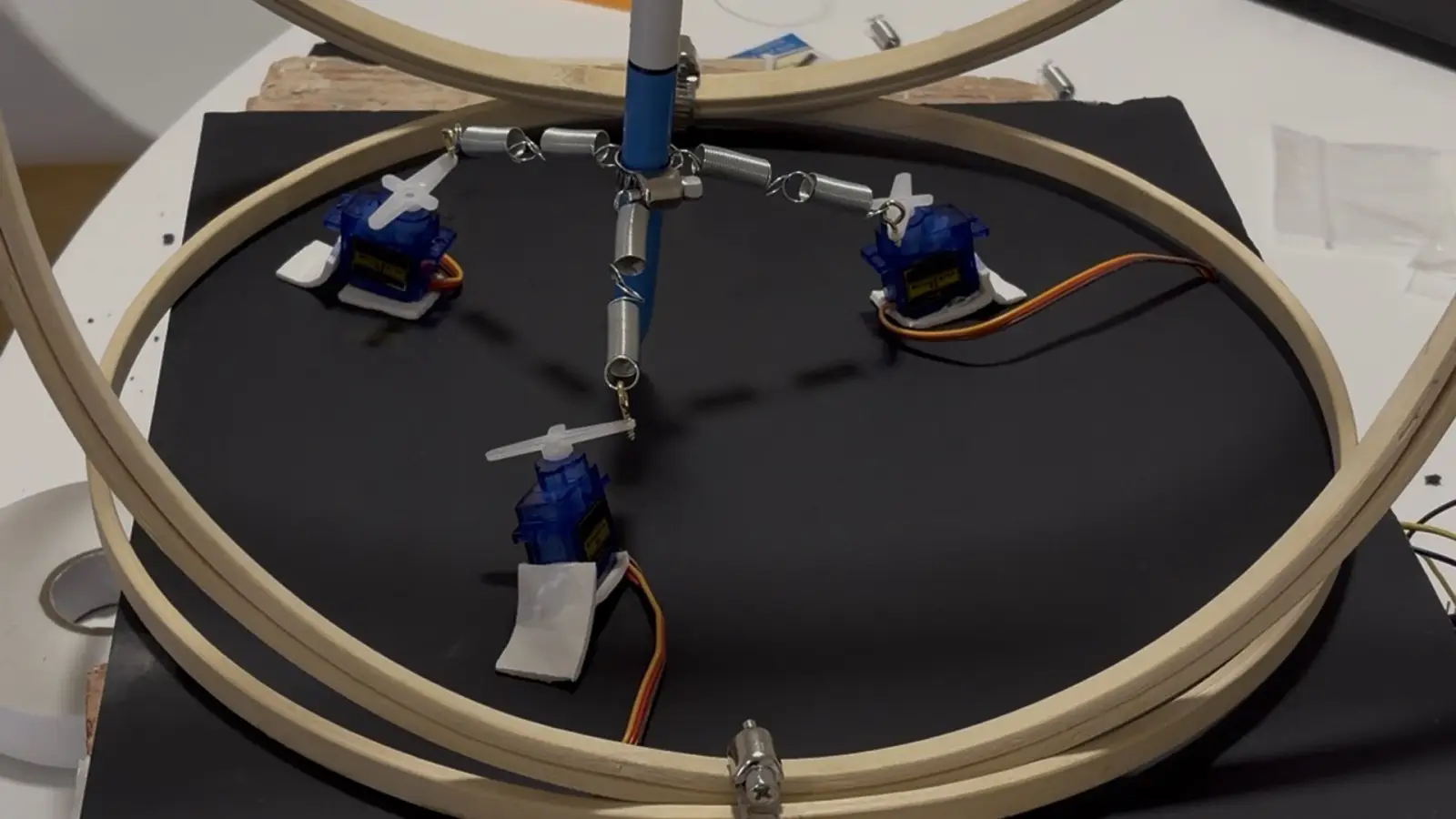
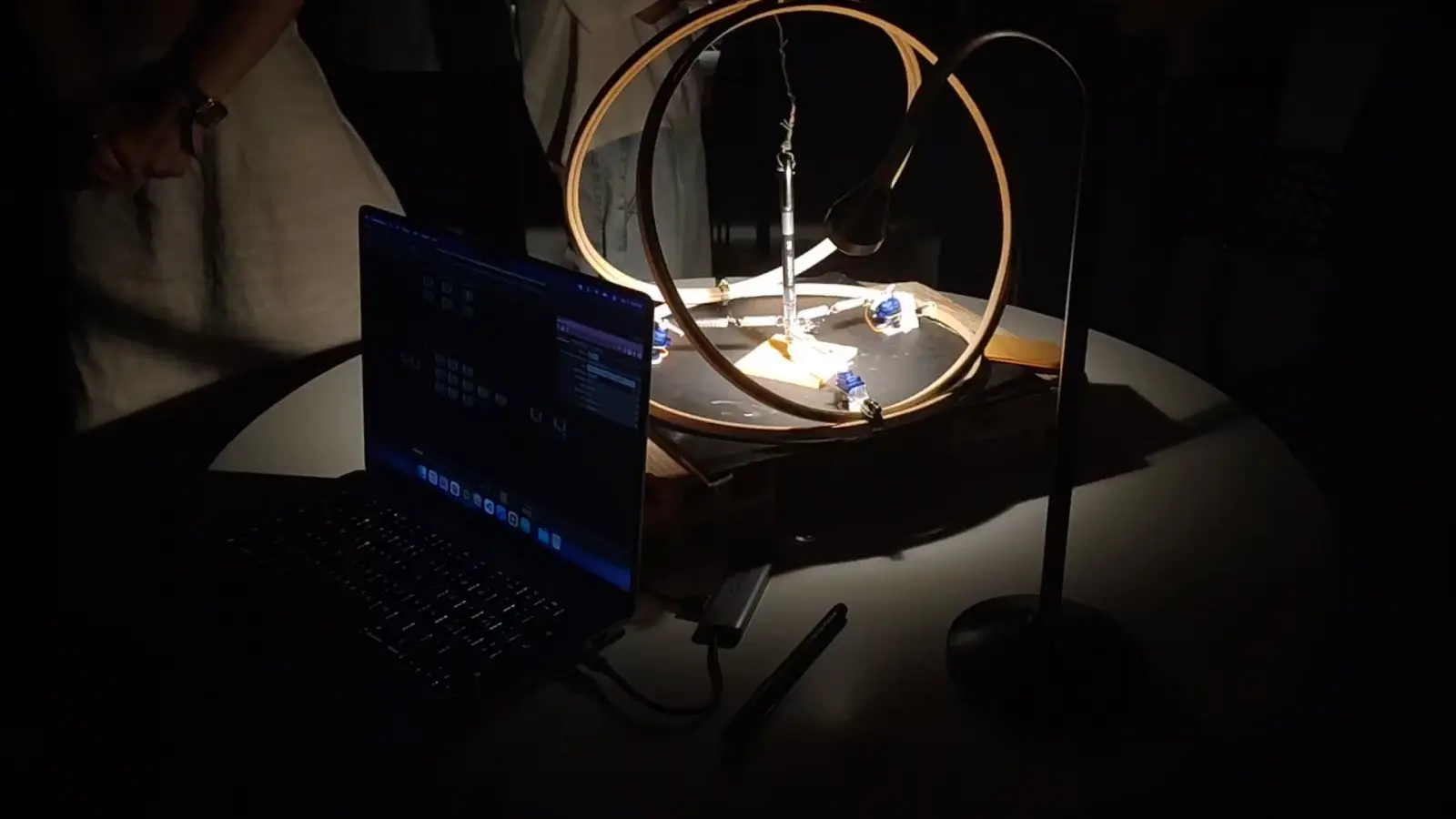
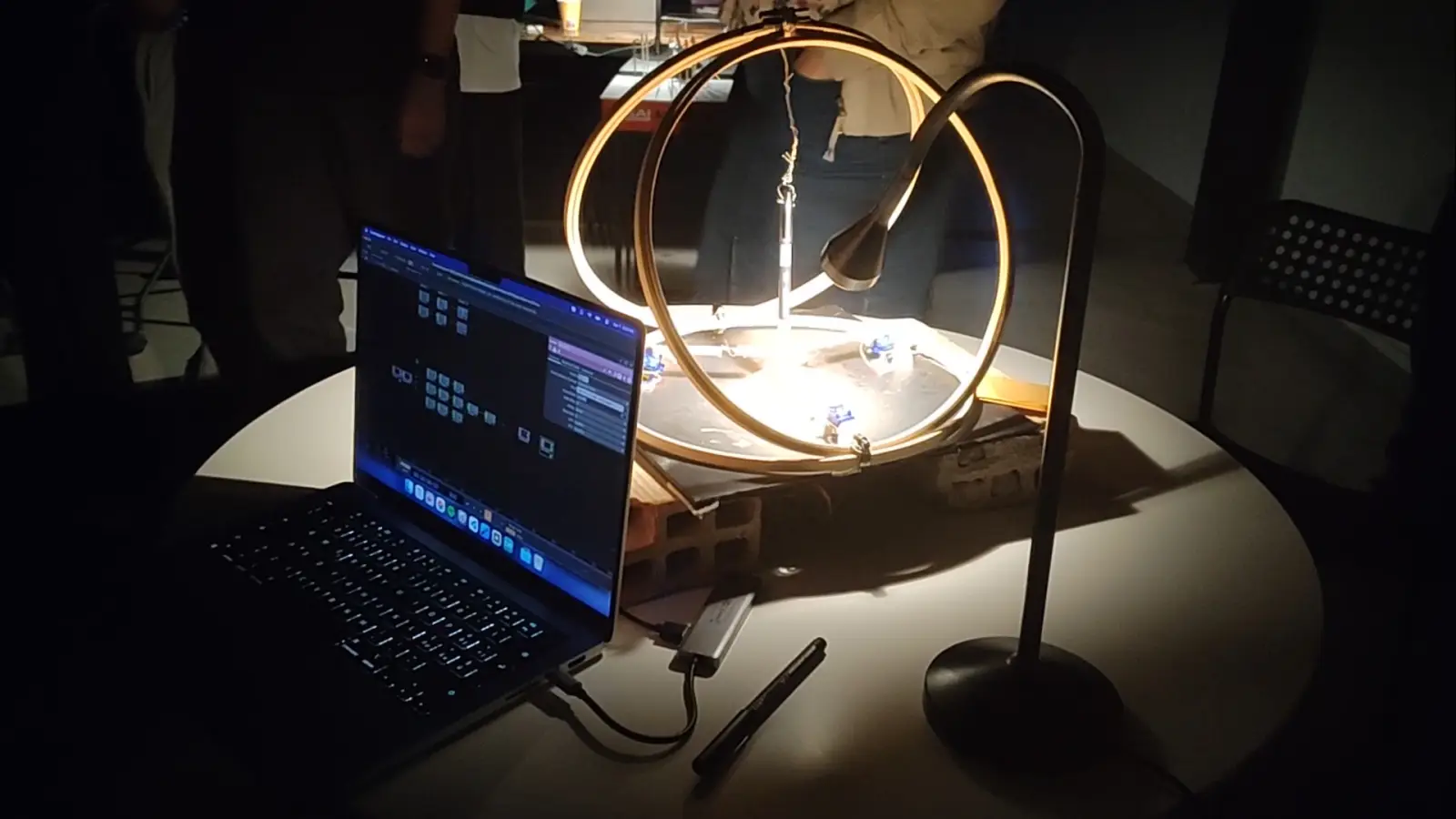
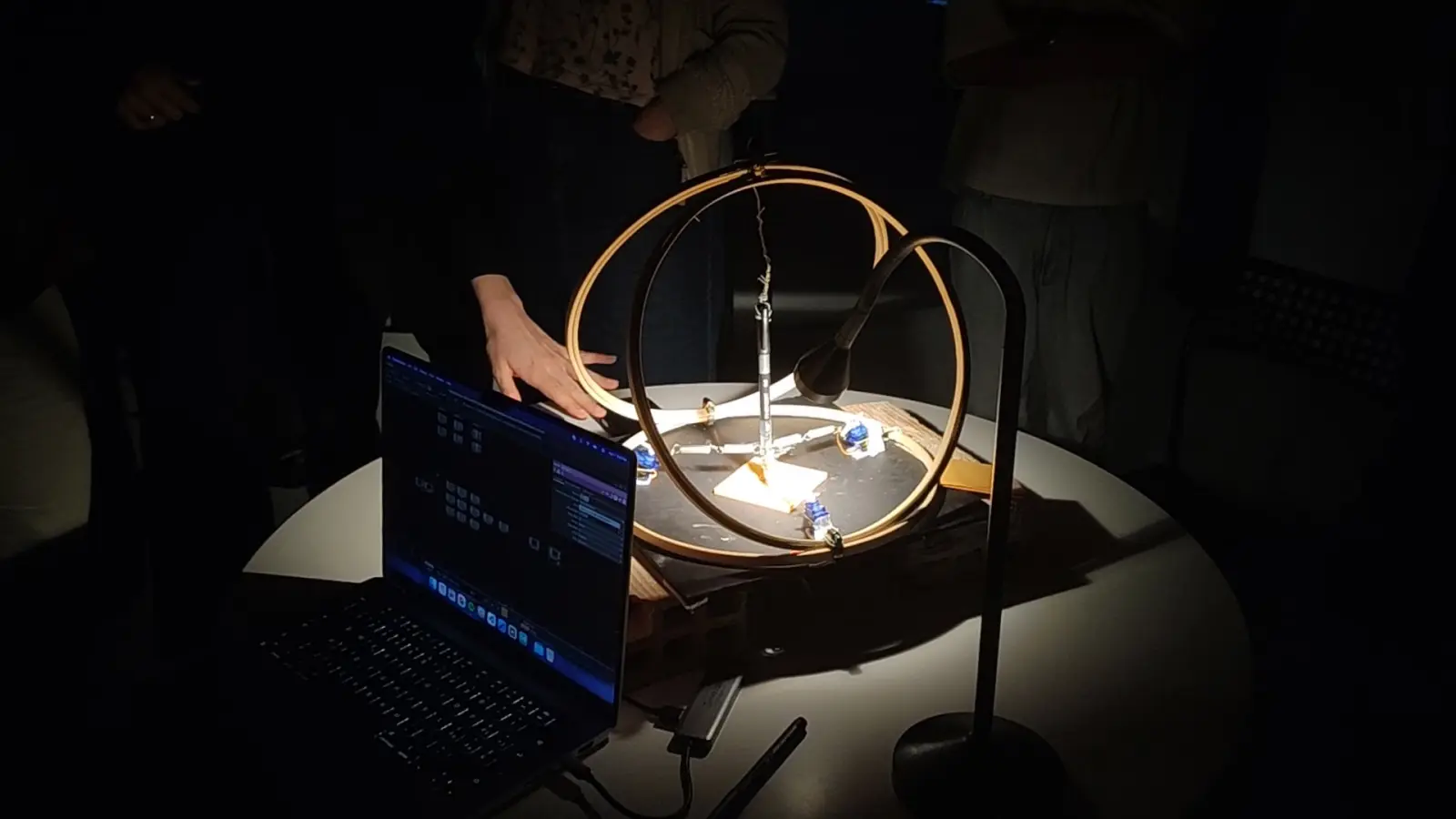
Kinetic Drawing is an interactive kinetic installation that transforms digital input into physical movement: three servo motors drive a suspended pendulum-like mechanism that holds a pen, so visitors can steer the drawing through a custom mobile app. The work sits between digital control, mechanics, and analog marks on sticky notes: abstract lines rather than pictures on a screen.
Software, gravity, inertia
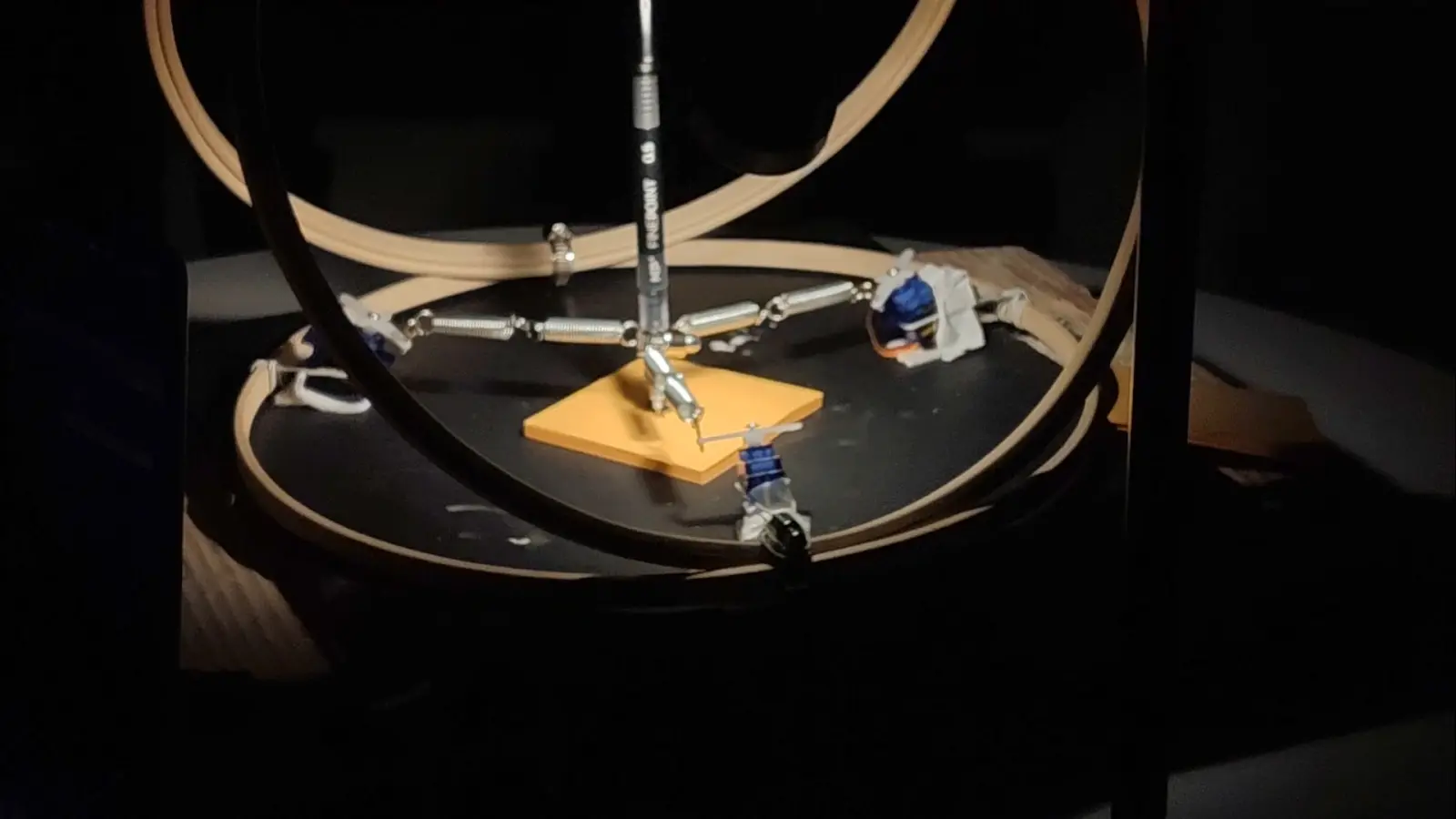
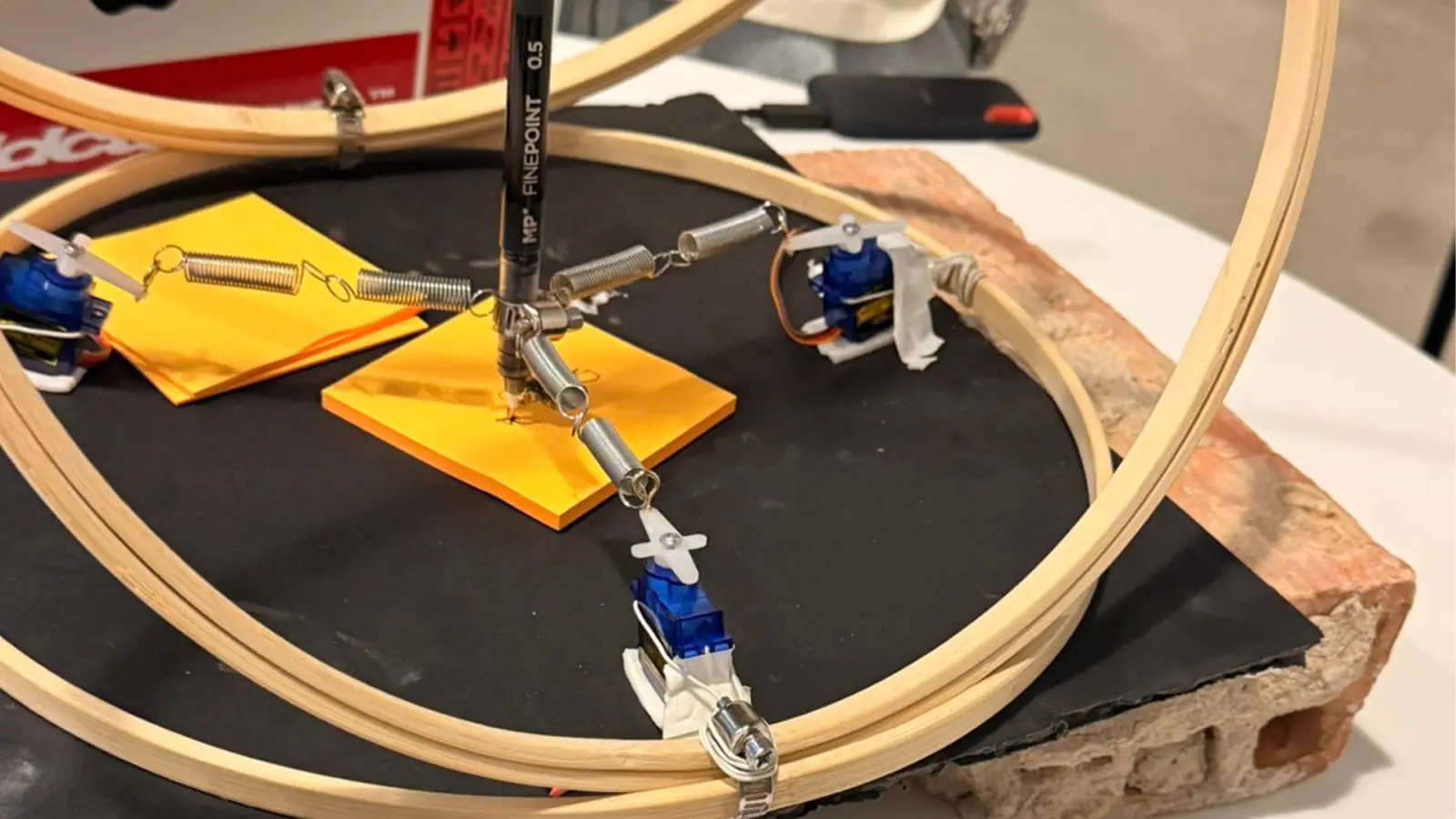
Instead of producing graphics on a display, user input becomes mechanical motion. Gravity, tension, and inertia join the process; traces emerge from the collaboration between software, hardware, and natural forces. Digital interaction generates physical expression: unpredictable, continuous, and tied to the room.
Flutter, UDP, three servos
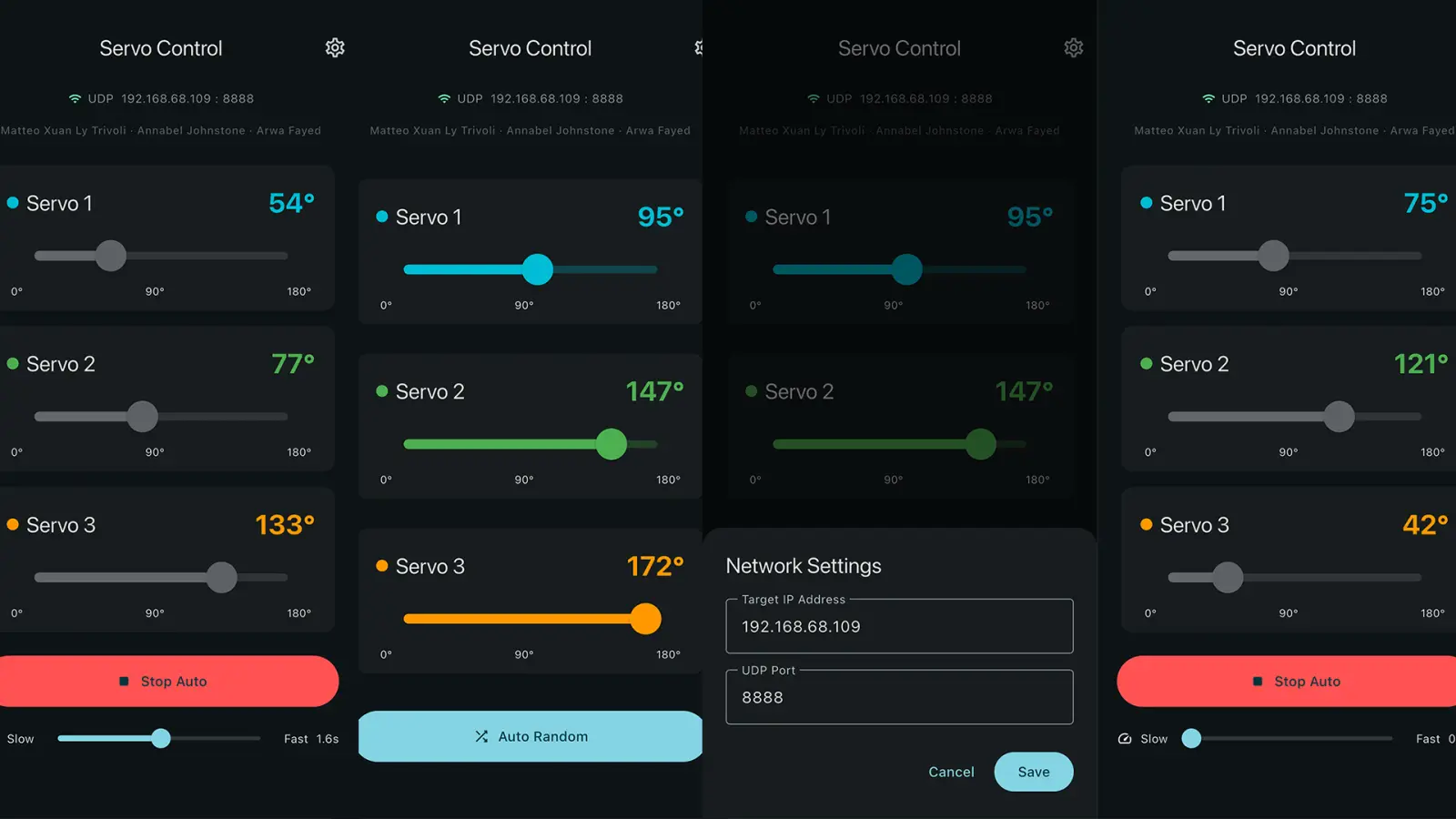
Three servos sit around the suspended drawing mechanism. I built the Flutter app that lets visitors set each servo angle independently, changing tension on the central pendulum and repositioning the pen in real time. Commands travel over UDP to Arduino; TouchDesigner sits in the control chain so the system stays coordinated. Coordinated adjustments yield dynamic trajectories and physical drawings through continuous interaction.
Marks you can't fully predict
Every adjustment produces a unique movement: mechanical control meeting the pendulum's own dynamics. Expressive, shifting patterns evolve through use, making a tangible link between a mobile interface and physical behavior on paper.
Credits
Interactive kinetic installation for the MICME Interactive & Immersive course at LABA Valencia.
Collaboration
With
- Annabel Johnstone
- Arwa Fayed
Production
App development
- JANUS
Tools
- Flutter
- Arduino
- TouchDesigner